
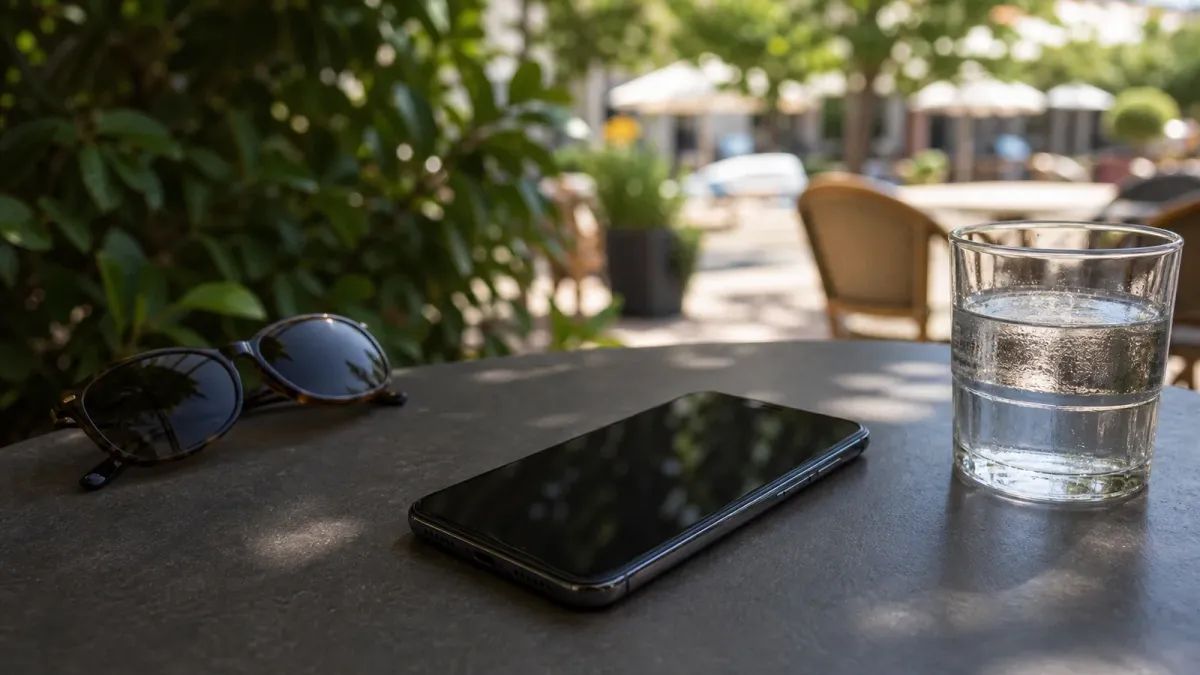
If your phone slows down, dims the screen or pauses charging during a hot day, treat it as a warning to lower the temperature, not as a prompt to force the device to keep working.
Apple says iPhone and iPad devices are designed for use in ambient temperatures from 32 to 95 degrees Fahrenheit, and Samsung lists the same normal operating range for Galaxy devices. Both companies say phones may dim, slow performance, stop charging, close apps or show warning messages when internal temperatures rise.
The safest response is low-tech: stop adding heat, move the phone out of direct sun and give it time to cool in a shaded or air-conditioned place.
Do this first
Start with the steps that reduce heat without shocking the device.
- Move it out of the sun. Put the phone in shade, indoors or in a cooler bag pocket that is dry and not packed against ice.
- Pause charging. Charging adds heat, especially wireless charging or fast charging. Unplug the cable or remove the phone from the wireless pad until it cools.
- Close heavy apps. Navigation, camera use, video recording, gaming and high-quality streaming can keep the processor and radios active.
- Lower the screen load. Dim the display, turn on low power or battery saver mode, and stop using hotspot, GPS, Bluetooth or mobile data if you do not need them.
- Remove the case if it traps heat. A bulky case can slow cooling, especially while the phone is charging.
What not to do
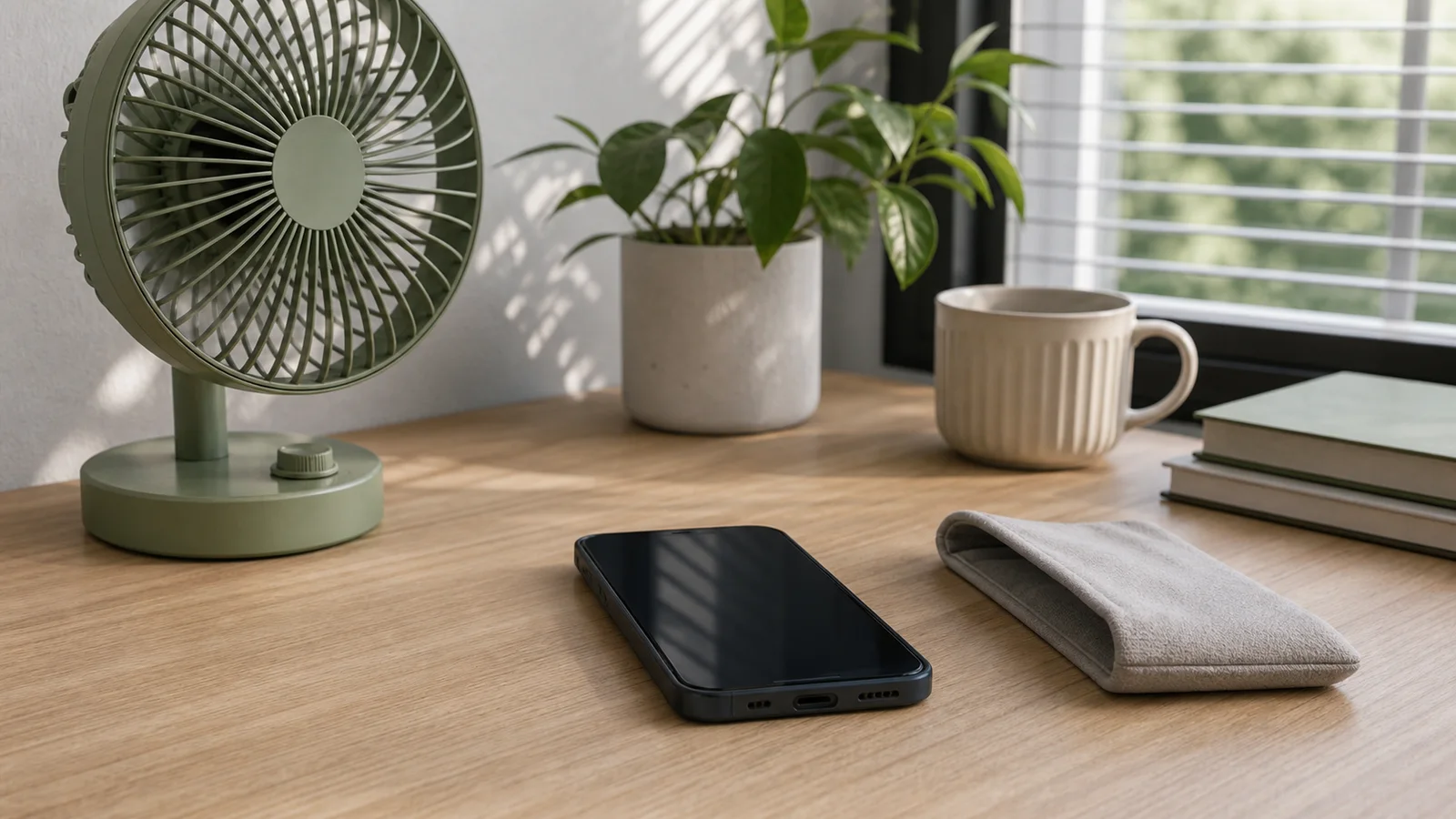
Do not put a hot phone in a refrigerator or freezer. Rapid cooling can create condensation, and moisture is a worse problem than a temporary heat warning.
Do not leave the phone on a dashboard, seat or center console while you run an errand. The National Weather Service says parked vehicles can heat rapidly, and NHTSA warns that shade or cracked windows do little to change the interior temperature risk. Those warnings are written for people and pets, but the same hot-car physics can push electronics far beyond their normal range.
Do not keep forcing the phone to record video, navigate, charge or run games after a temperature warning. If the device has already dimmed, paused charging or shut down features, it is protecting itself.
Why charging often stops
Battery charging is one of the first things a phone may limit because charging adds heat to a system that is already warm. Apple says iOS may slow or pause charging when an iPhone becomes too warm and that charging resumes automatically when the battery returns to a safe temperature range.
Samsung gives similar guidance for Galaxy devices: disconnect the charger, close running apps and let the device cool down. If the phone repeatedly gets hot while charging, check the cable, charger and wireless pad. A damaged, incompatible or poor-quality charger can add avoidable heat.
When to worry
A warm phone is not always a crisis. It can feel warm during setup, software updates, wireless charging, gaming, navigation or long camera sessions. That becomes more important in summer because outside heat and direct sunlight stack on top of the heat the phone creates on its own.
Take it more seriously if the device is too hot to hold, smells unusual, has a swollen battery, shuts down repeatedly, will not cool after normal steps or gets hot even while idle in a cool room. Stop using it and contact the manufacturer or a qualified repair provider, especially if the phone was dropped, punctured, water-damaged or charged with questionable accessories.
Before you go outside
If you know you will be outside in heat, start with a full battery so you are not forced to charge in the sun. Download maps, tickets and playlists before leaving. Keep the phone out of direct sunlight, avoid long 4K video sessions, and give it breaks from navigation or hotspot duty when possible.
The bottom line: an overheating phone usually needs fewer tasks, less charging and a cooler place. Let the built-in protections work, and do not fight a heat warning just because the phone still turns on.


