
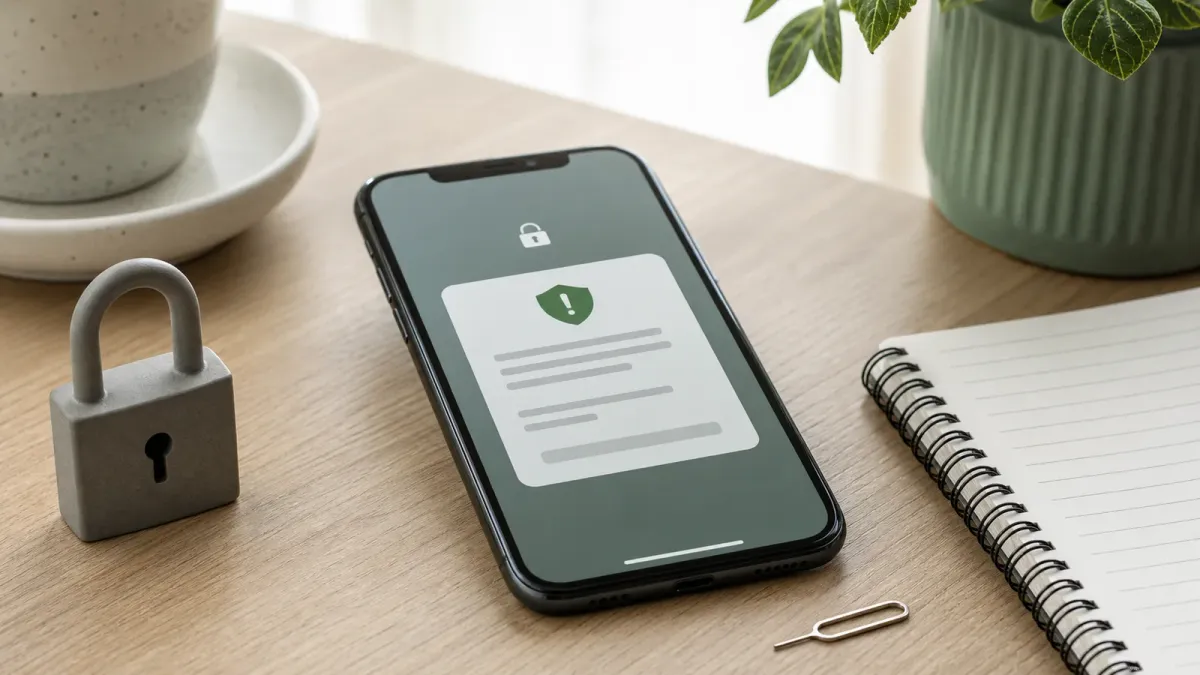
A SIM swap scam starts with a simple target: your phone number. If a criminal convinces a wireless carrier to move that number to a device they control, calls and texts meant for you can start going to them instead.
The risk is not only losing cellular service. Many banks, email providers, payment apps and crypto accounts still use text messages or phone calls for login codes and password resets. That makes the phone number a weak point worth locking down before anything looks wrong.
The short answer: ask your carrier for every available number-lock or port-out protection, move important accounts away from SMS codes where possible, and freeze your credit if personal information may already be exposed.
Do this first
Start with the wireless account, because that is where the number can be moved. The Federal Communications Commission adopted rules requiring wireless providers to use secure customer authentication before SIM changes and number ports, and to notify customers about SIM change or port-out requests. But consumer-side locks still matter because criminals adapt to whatever process a carrier uses.
- Turn on a number lock or port-out lock. Look in your carrier app or account settings for number lock, transfer lock, SIM protection, port freeze or account takeover protection. If you cannot find it, contact the carrier directly using the official app, website or support number.
- Add a strong account PIN. Do not reuse a birthday, address, last four digits of a Social Security number or another answer that could be guessed from public records or leaked data.
- Replace text-message login codes on key accounts. For email, banking, brokerage, payment, cloud storage and password-manager accounts, use an authenticator app, passkey or hardware security key when available.
- Secure the email account that resets everything else. If an attacker can reset your email password, they can often reach many other accounts. Give that account the strongest sign-in method first.
- Save your carrier's fraud contact path. Know where to report unauthorized SIM changes or number transfers before you need it.
Check these warning signs
A lost signal can be ordinary. It can also be the first clue that your number moved. Treat sudden cellular-service loss seriously if it arrives with password-reset emails, bank alerts, unfamiliar login notices or messages saying a SIM change was requested.
If that happens, use a different trusted device or network to contact your wireless provider. Do not rely on a phone call from the compromised number, and do not click links in unexpected texts or emails. The FTC advises contacting companies through a website or phone number you know is real when someone asks for personal or account information.
Then check the accounts that would be most valuable to an attacker: email, bank, credit card, brokerage, payment apps, crypto wallets, cloud storage and password managers. Change passwords from a clean device, revoke unfamiliar sessions, and update recovery phone numbers or backup emails if they were changed.
Credit freeze or fraud alert?
A number lock protects the phone account. It does not stop someone from using stolen personal information to apply for credit. That is where a credit freeze or fraud alert fits.
The FTC says a credit freeze is free, lasts until you lift it, and makes it harder for anyone to open a new credit account in your name. You must contact Equifax, Experian and TransUnion separately. A fraud alert is also free, but it tells businesses to verify your identity before opening new credit; contacting one credit bureau is enough because that bureau must tell the other two.
For many people, a freeze is the stronger default if they are not actively applying for credit. You can lift it temporarily when you need a lender, landlord or insurer to check your report, then put it back.
Common mistakes
The most common mistake is treating the carrier account as less important than the bank account. In reality, a phone number can be a reset key for many financial and personal accounts.
- Do not leave SMS as the only second factor. Text codes are better than no extra sign-in step, but they are weaker than passkeys, authenticator apps or hardware security keys.
- Do not post identity clues publicly. Old addresses, family names, pet names, schools and birthdays can help an impostor pass weak account checks.
- Do not assume a data breach has to name your carrier. Stolen personal details from one breach can be used to impersonate you somewhere else.
- Do not wait until travel day. Losing your number while away from home can make bank alerts, ride-share access, airline accounts and two-factor recovery much harder.
When to get help
If you suspect an unauthorized SIM swap or number transfer, contact your wireless provider immediately and ask for the number to be secured. Then file identity-theft steps at IdentityTheft.gov if personal information was misused, report cyber-enabled fraud to the FBI's IC3 at ic3.gov when money or account access is involved, and notify financial institutions quickly if any transaction looks unfamiliar.
The goal is not to make your phone number impossible to move. Legitimate transfers still need to work when people change phones or carriers. The practical goal is to add enough friction that a scammer cannot quietly turn your number into the easiest way into the rest of your life.


