
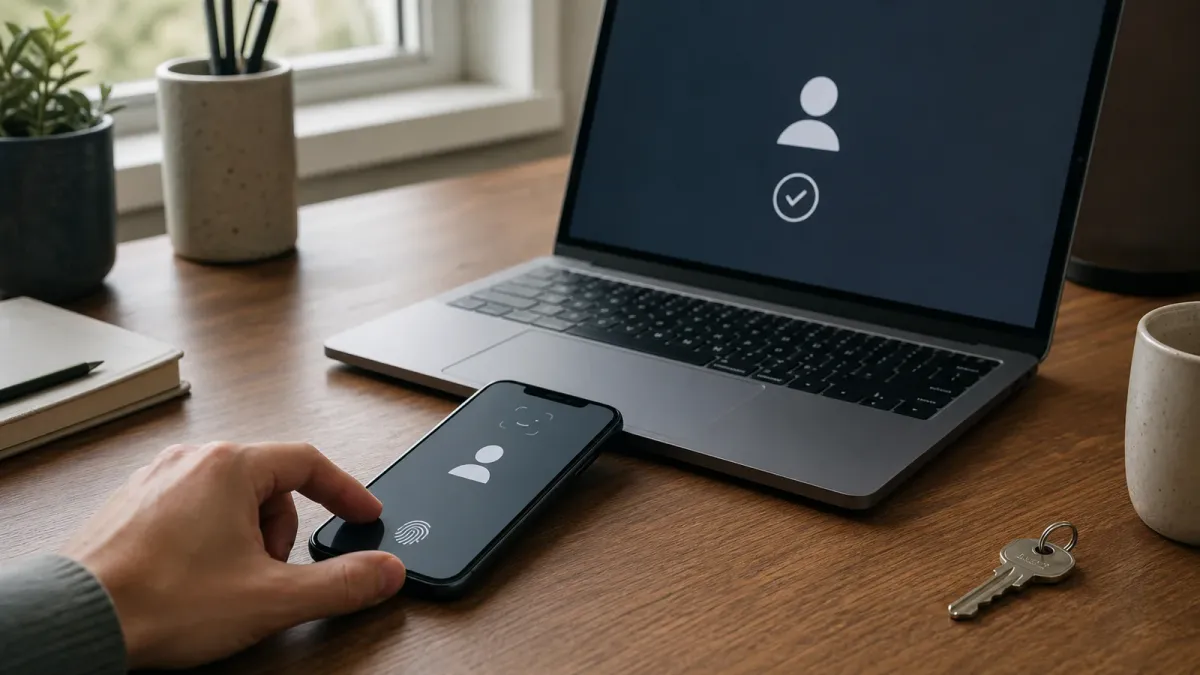
A passkey lets you sign in to a supported website or app without typing a password. Instead, you approve the login the same way you unlock a trusted device: with a fingerprint, face scan, screen PIN or pattern.
The important difference is underneath that familiar prompt. A passkey uses public-key cryptography, creating a unique pair of digital keys for one account on one service. The website keeps the public key. The private key stays with your device or passkey provider and is not sent to the website during sign-in.
That design makes passkeys easier to use and much harder to steal through a fake login page. It also means there is no password to memorize, reuse or accidentally reveal.
The short answer
A passkey is a digital credential tied to a specific website or app. When you sign in, the service sends a challenge that your device signs with the private key after you unlock it. The service checks that signature using the public key it already has.
Your face, fingerprint or PIN does not become the passkey and is not shared with the service. It simply unlocks access to the credential on your device. Google says biometric data used for its passkey flow remains on the device; Apple similarly stores passkeys in encrypted keychain systems rather than exposing them as readable secrets.
Why passkeys resist phishing
A traditional password can be typed into the wrong site. A passkey is bound to the legitimate site's domain, so a lookalike page cannot ask the credential to authenticate as the real service. NIST identifies the WebAuthn standard used by FIDO authenticators as an example of phishing-resistant authentication through this kind of verifier-name binding.
Passkeys also avoid reusable codes. A scammer cannot persuade you to read out a private key because the key is never displayed. That is stronger against credential phishing than a password plus a manually entered text-message or authenticator-app code, although passkeys do not stop every kind of scam or malware attack.
Where a passkey is stored
Most consumer passkeys are stored and synchronized by a platform account or password manager, allowing them to work across devices signed into the same ecosystem. Other passkeys can remain tied to one device or live on a physical security key.
Cross-device sign-in is also possible. A laptop may show a QR code that lets a nearby phone approve the login. The exact experience depends on the operating system, browser, passkey provider and website.
What happens if you lose your phone?
A synced passkey may be restored after you sign in to the provider on a replacement device and complete its account-recovery checks. If the passkey exists only on one device, you may need another passkey, a hardware security key or the website's recovery process.
This makes recovery planning important. Before removing a password or other sign-in method, check which devices hold the passkey, how your provider protects account recovery and whether the service lets you register more than one credential.
Should you switch?
For an important account, a passkey is usually worth using when the service supports it and you understand the recovery path. Start with email, financial, cloud-storage and primary platform accounts, because losing one of those accounts can expose many others.
Keep devices updated, protect them with a strong screen lock and remove passkeys from devices you no longer control. If a website offers passkeys but still keeps a password as a fallback, the account can remain vulnerable through that weaker route, so review every available recovery and sign-in option.
Not every service supports passkeys yet, and interfaces still vary. The practical goal is not to switch everything in one afternoon. It is to replace the passwords protecting your highest-value accounts first, while keeping a tested recovery method.


